
BIM · DEKSOFT
CETRIS BIM library for CAD design
Select complete CETRIS assemblies, filter them by technical requirements and place the result directly in your CAD model.
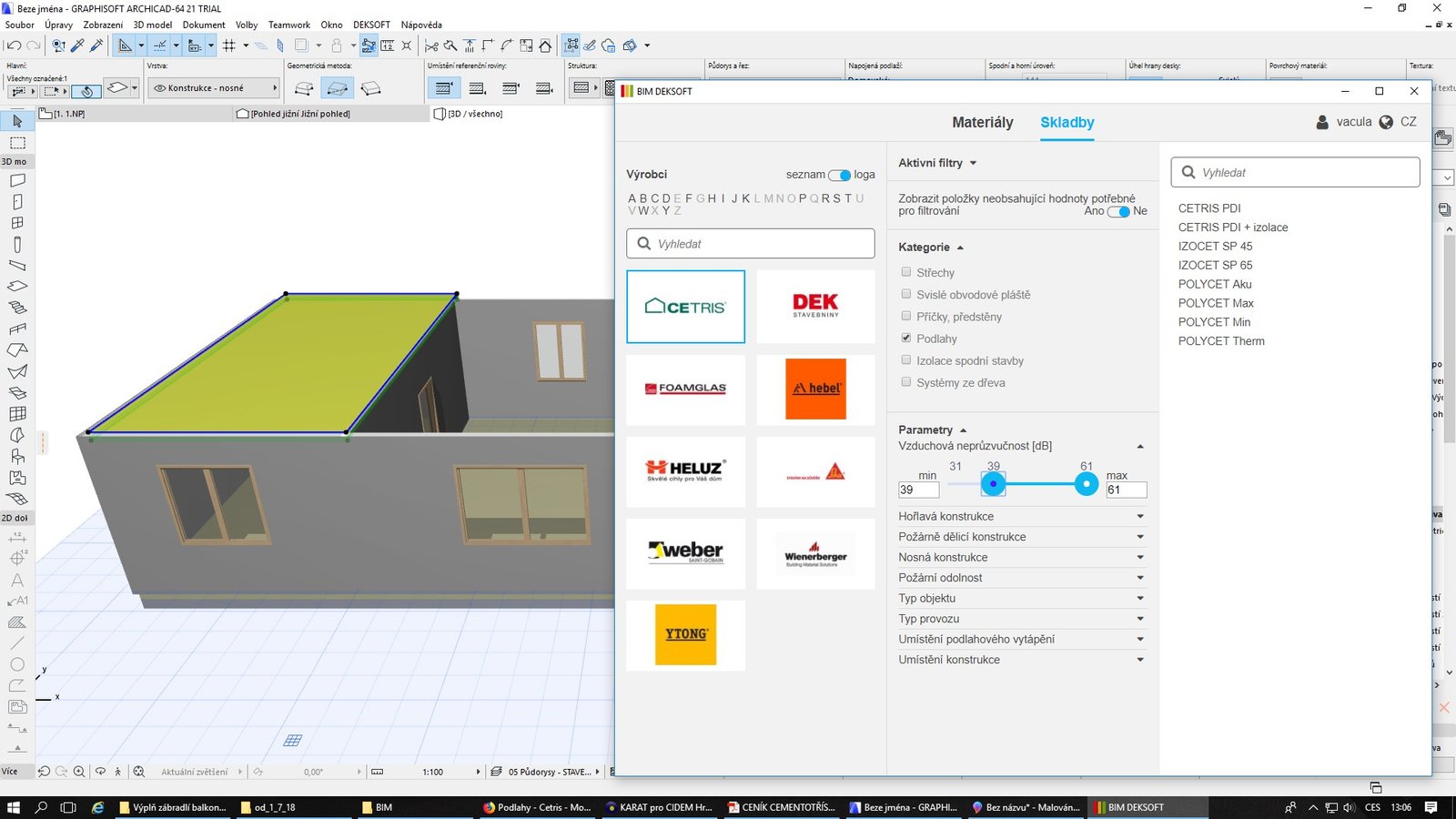
ELECTRONIC CATALOGUE
Complete assemblies instead of isolated board objects
The plugin is a digital version of the CETRIS design catalogue. It brings board materials and tested construction assemblies into the CAD environment, so walls, floors, ceilings and facades can be specified without rebuilding every layer from scratch.
- 01Walls
- 02Floors
- 03Ceilings
- 04Facades
WORKFLOW
Find a build-up by the requirement that matters
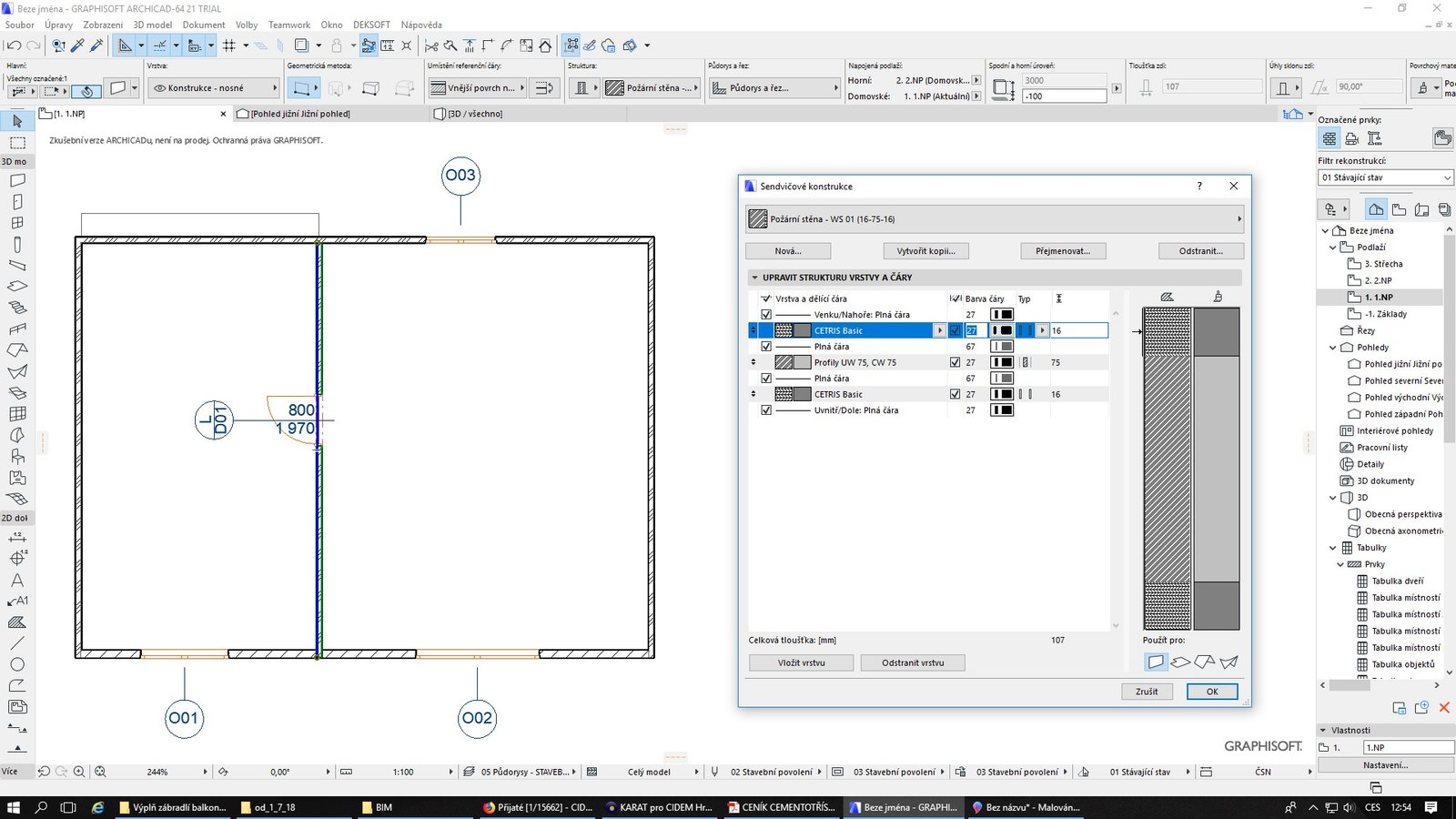
Filters narrow the catalogue by fire resistance, total thickness, acoustic performance, maximum weight and maximum height. The selected build-up keeps its material layers and parameters when inserted into the model.
- Fire resistance
- Construction thickness
- Acoustic properties
- Maximum weight
- Maximum height
COMPATIBILITY
Supported Windows applications
The manufacturer lists the following compatible versions. The current installer and updates are supplied from the official CETRIS website.
The plugin interface is available in English and Czech. This page and the installation guidance are provided by VISWELD Sverige AB, the Swedish CETRIS distributor.
IN PRACTICE
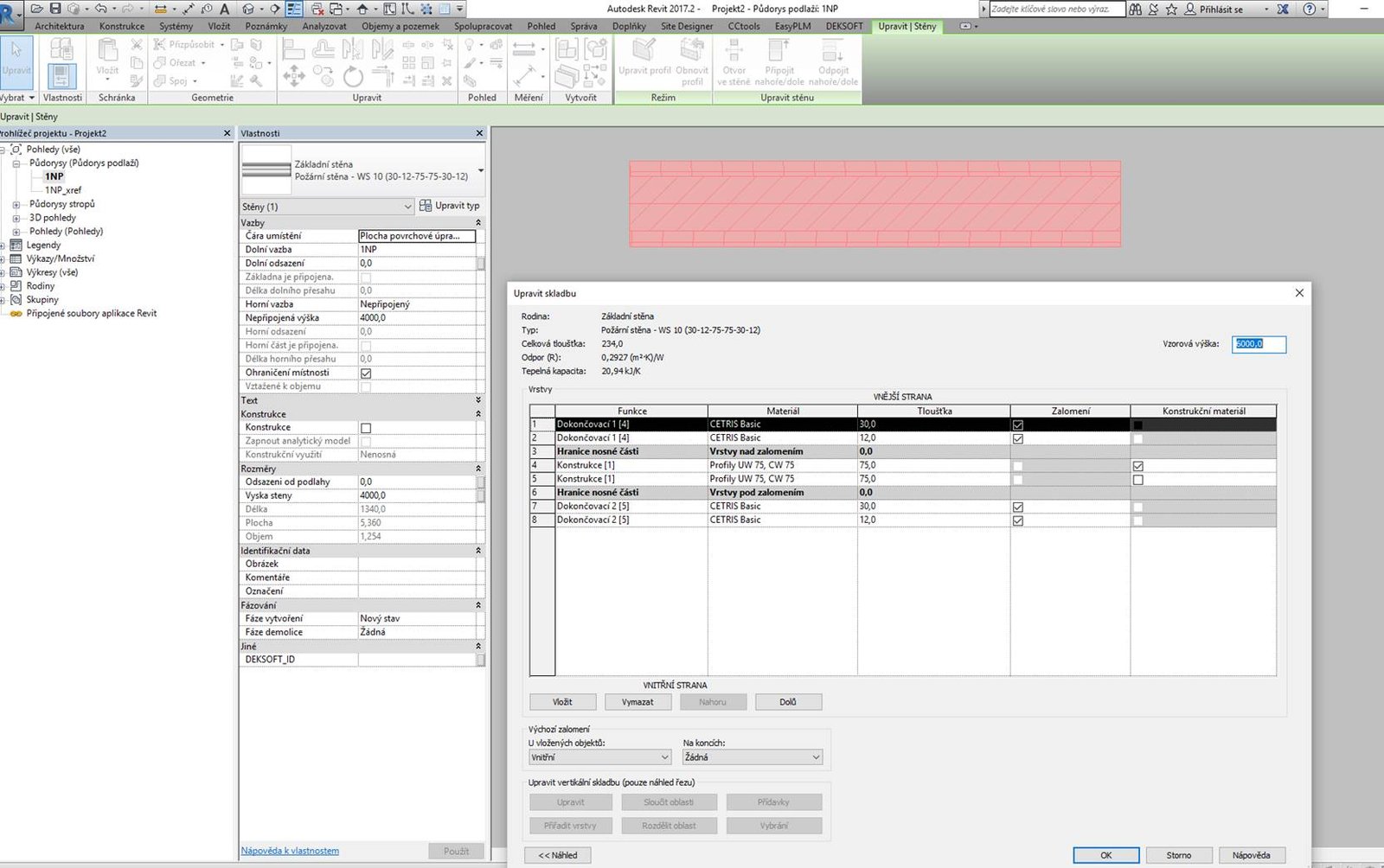
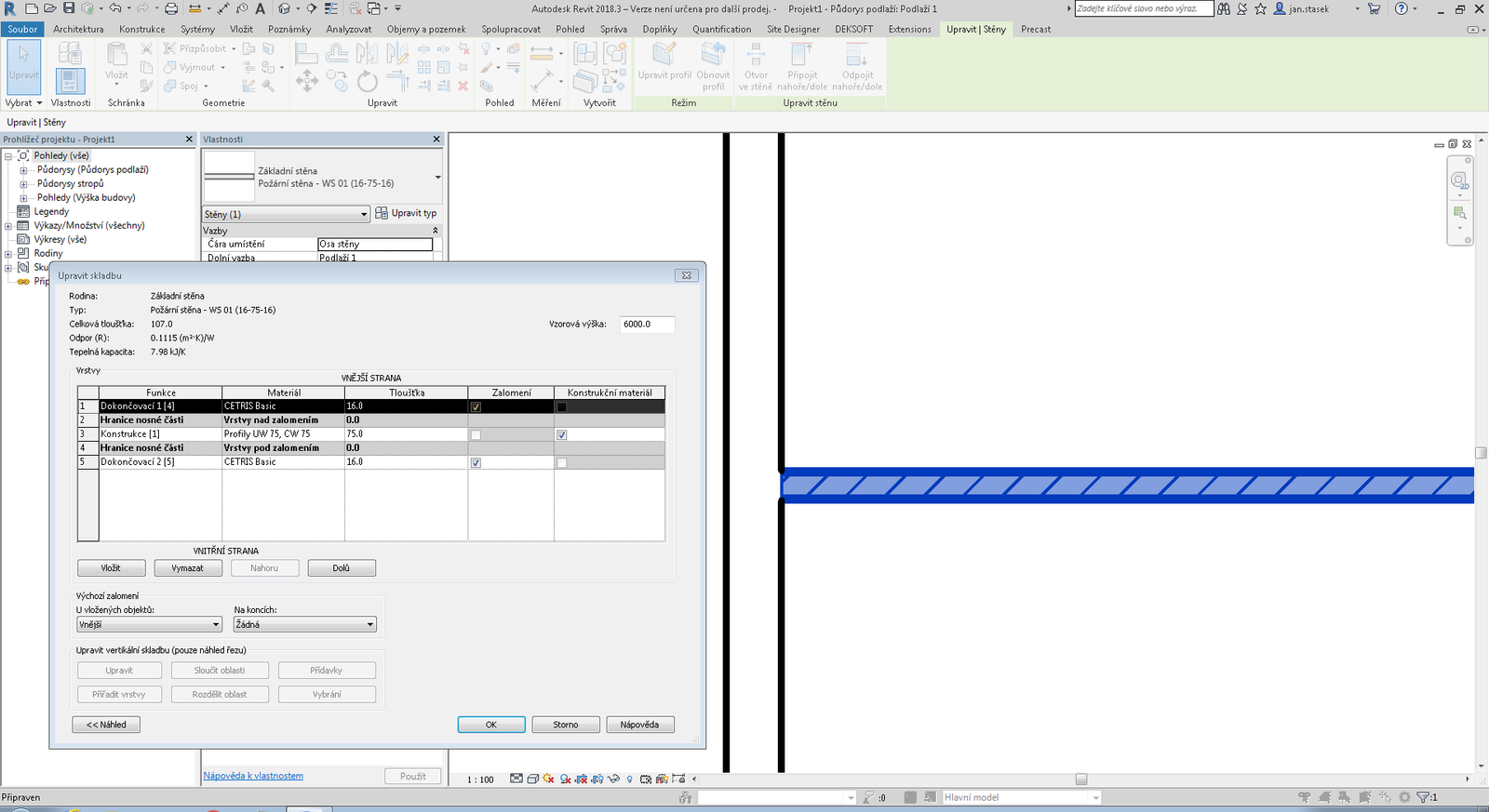
From catalogue selection to a modelled assembly
INSTALLATION
Three steps to start
- 01
Download
Open the official CETRIS download and save the Windows installer.
- 02
Choose your CAD versions
Run the installer and select the supported applications installed on your workstation.
- 03
Open CETRIS
After installation, open the DEKSOFT menu in your CAD application and choose CETRIS.
OFFICIAL DOWNLOAD
CETRIS DEKSOFT BIM plugin
The installer and its updates are maintained on the official CETRIS website.