
ARCHICAD
BIM · BIMPROJECT.CLOUD
CETRIS specifications in bimproject.cloud
Define technical requirements, select a matching CETRIS construction and transfer structured product data into the BIM model.
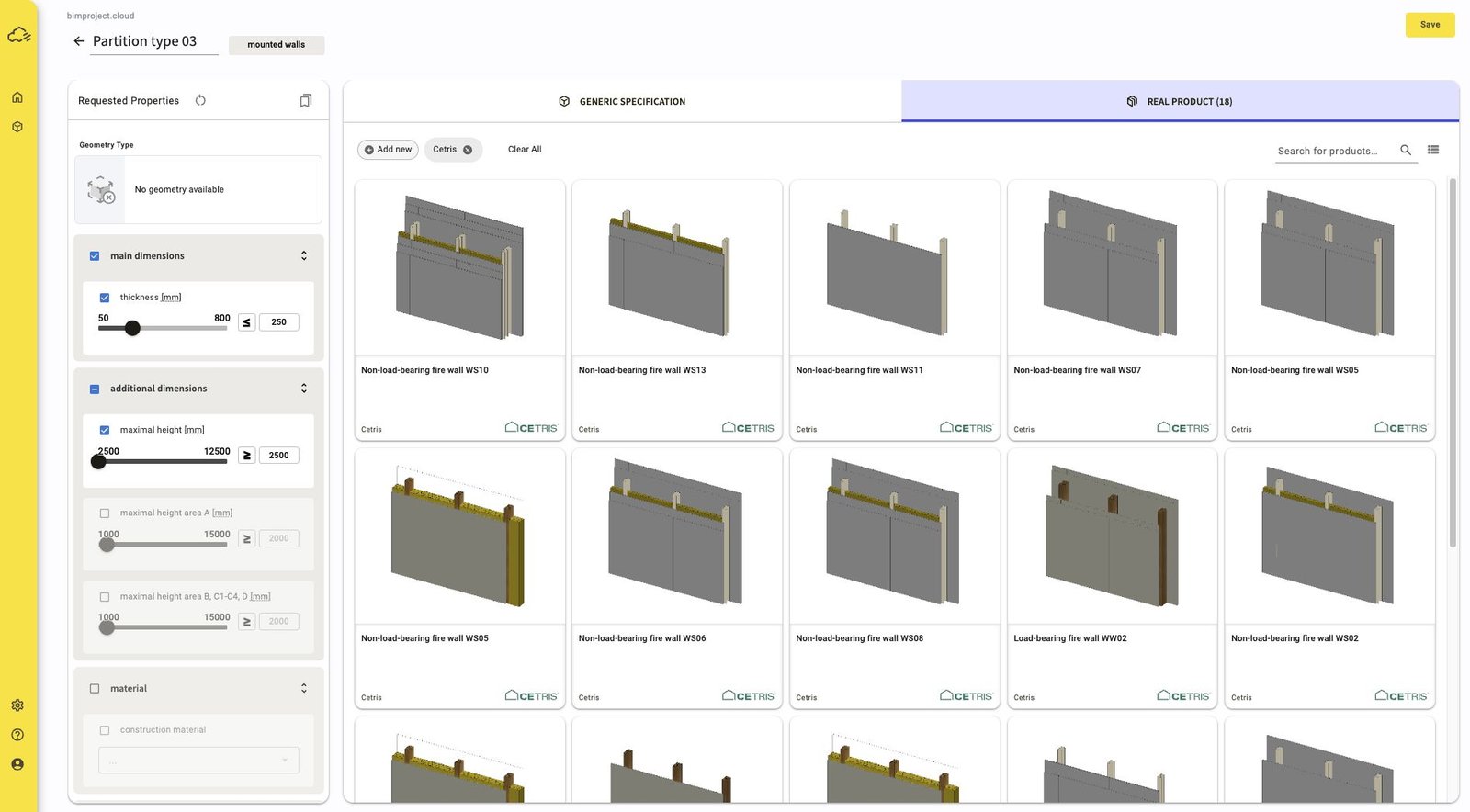
One specification from early design to a named product
Start with performance requirements when the final product is not yet selected. Later, replace the generic layer with a manufacturer-maintained CETRIS product while keeping the original requirements visible in the specification.
- 01
Define
Set geometry, dimensions, material requirements and performance criteria.
- 02
Compare
Use the requirements as filters for matching constructions and products.
- 03
Transfer
Insert the selected materials and parameters into the connected BIM application.
BIM VIDEO GUIDES
CETRIS workflows in Archicad and Revit
Follow the specification workflow from bimproject.cloud into the BIM model.
03 min
REVIT
Working with CETRIS in Revit
Two connected specification modes
GENERIC SPECIFICATION
Set requirements before choosing a product
Describe the complete construction and each layer separately. A layer can use a named product or a generic requirement such as material type, density or thickness.
REAL PRODUCT
Switch to maintained CETRIS data
Search the CETRIS database for products and certified assemblies that satisfy the stored requirements. Product properties and linked documentation stay attached to the specification.
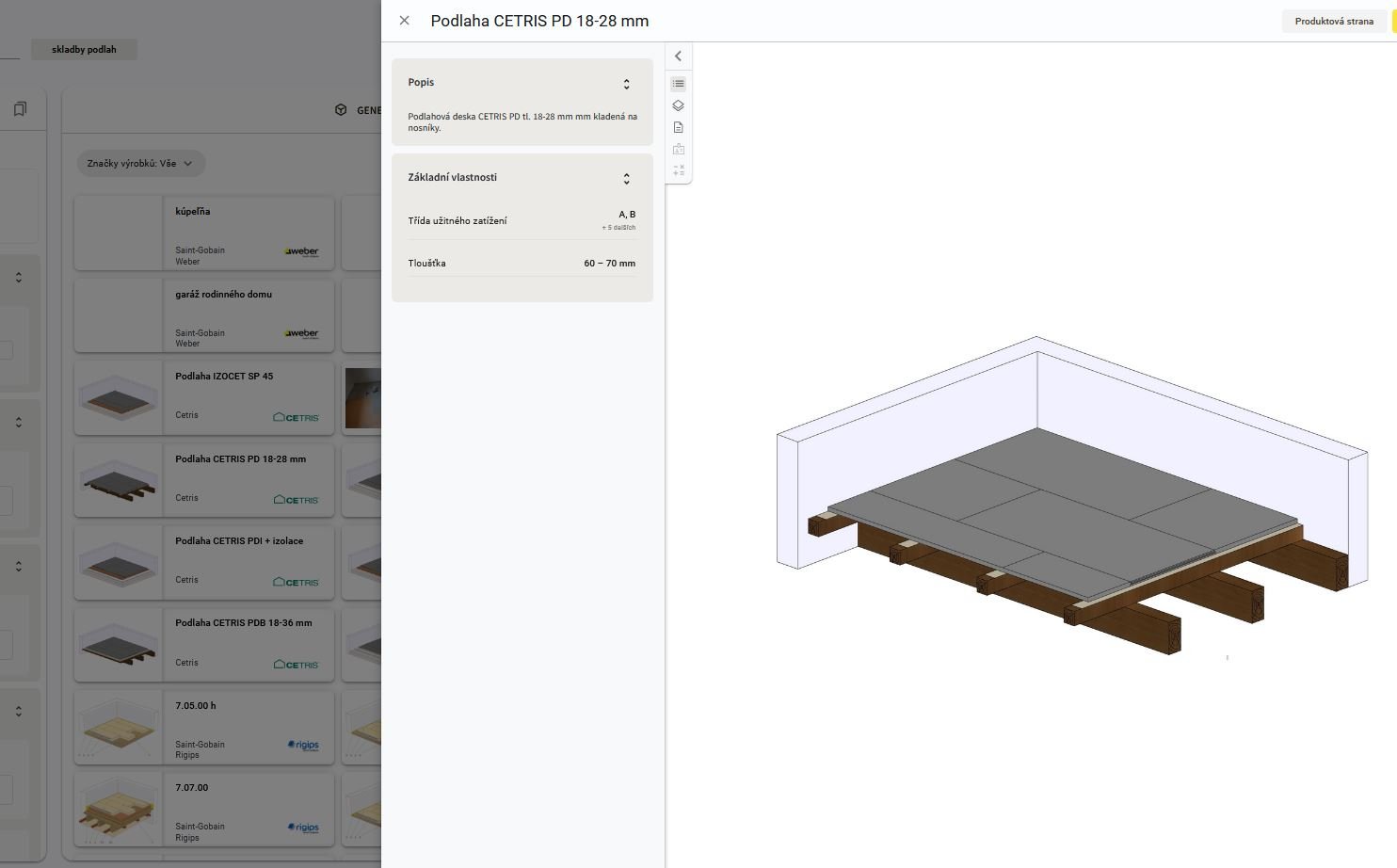
CETRIS PRODUCT DATA
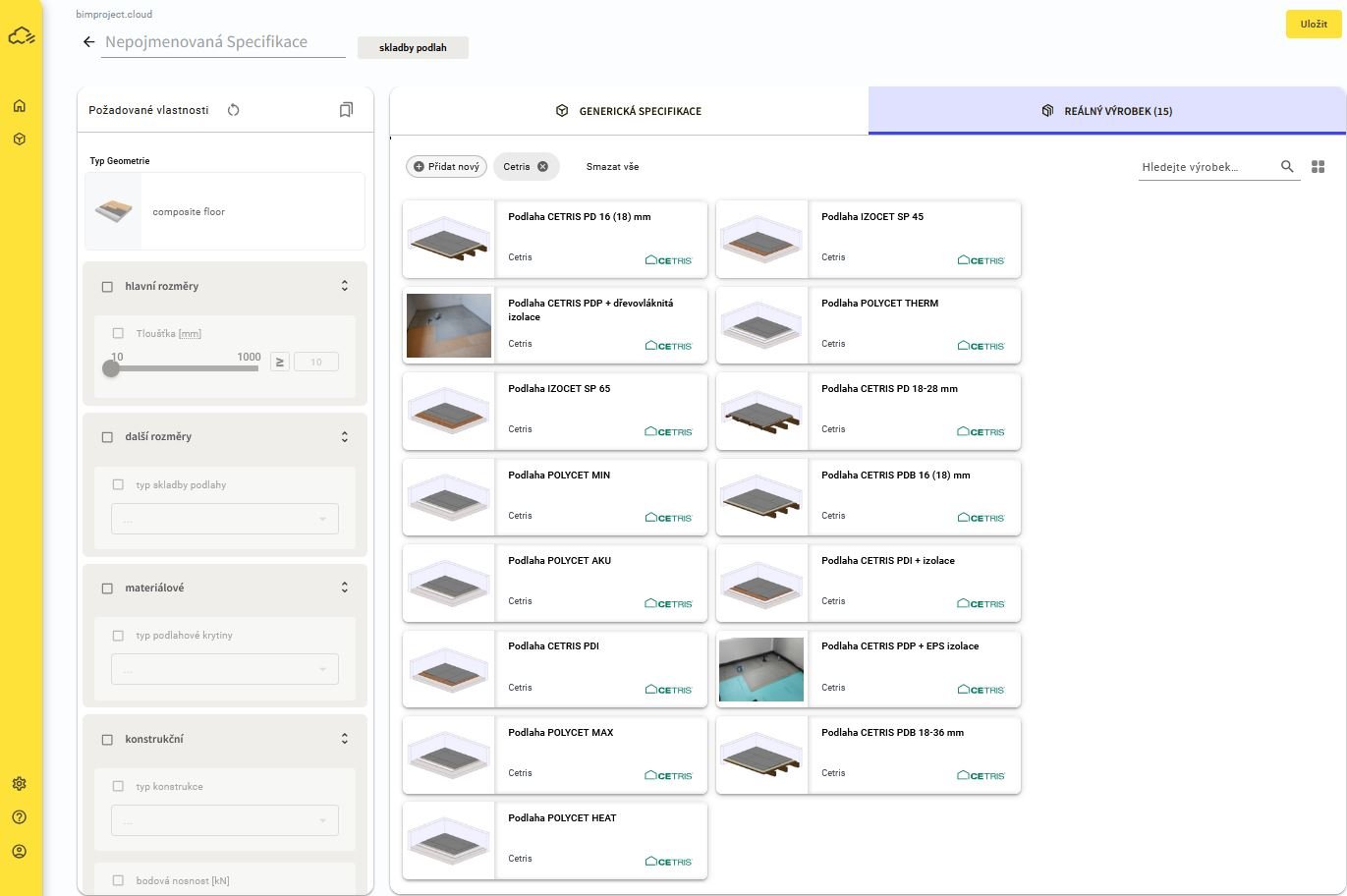
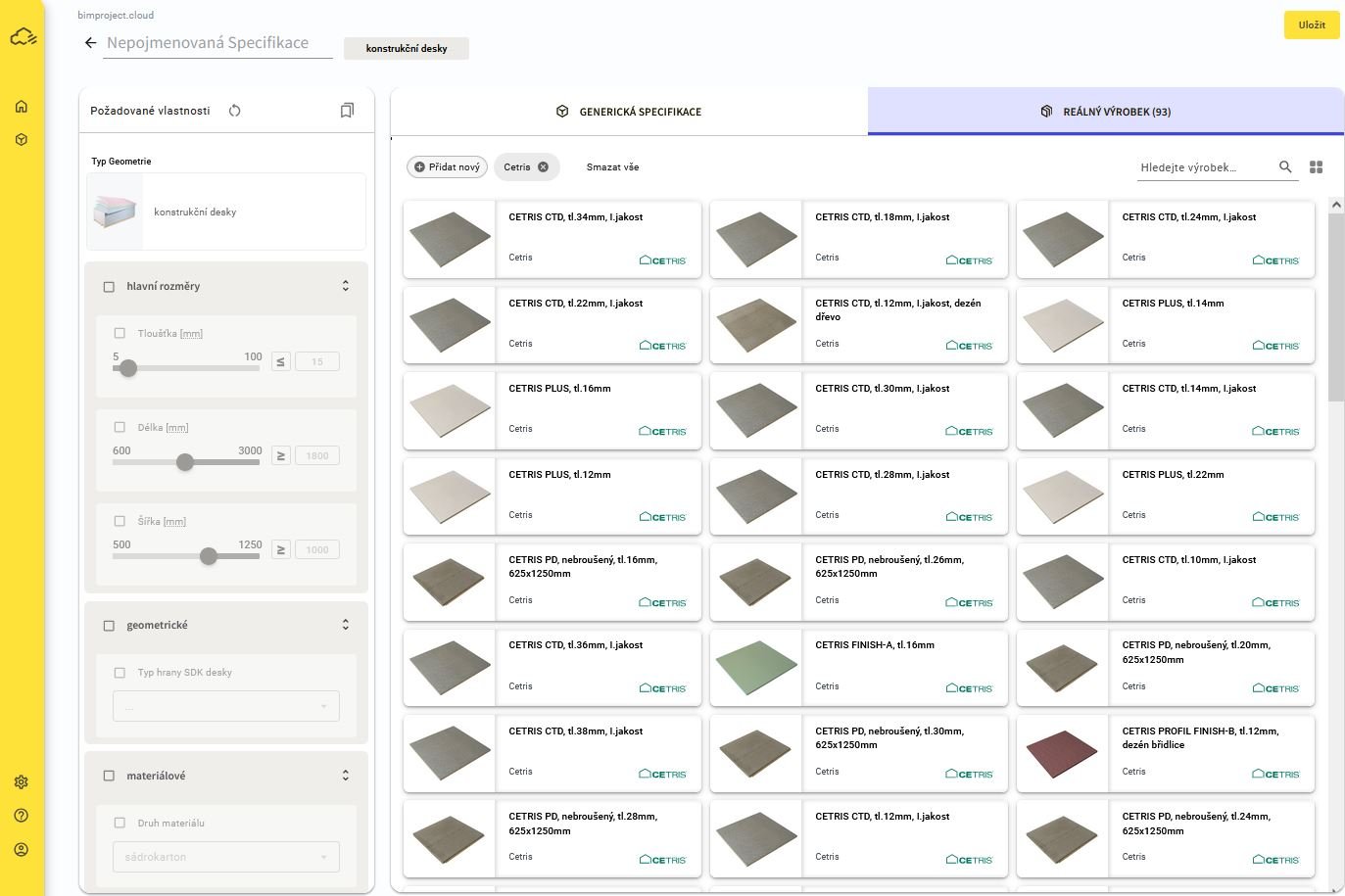
CETRIS products and complete assemblies in one catalogue
The catalogue includes construction boards, prefabricated walls, flooring systems and facade solutions. Products can be inserted as BIM objects or materials, depending on the design stage.
Keep your Revit project parameters
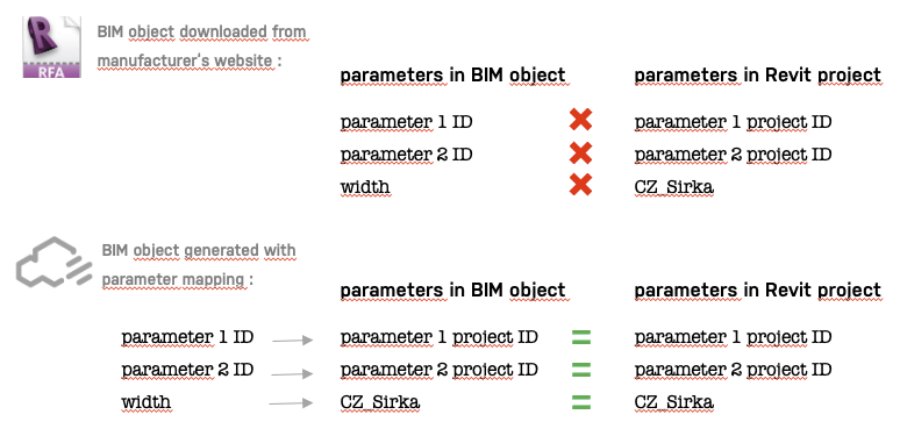
Revit users can upload a TXT file with shared project parameters and map bimproject.cloud parameters to the project naming structure. The generated BIM object then uses the parameter names already required by the project.
Connected to the main BIM applications
The bimproject.cloud plugin connects the specification to supported versions of Revit, Archicad and Allplan. Geometry, layers and selected parameters can be created in the model and updated from the specification.
- Revit
- Archicad
- Allplan
Start a CETRIS specification
The application opens on the Specifications dashboard. Sign in or create an account on bimproject.cloud to continue.